It starts with a freeze-frame. Your show halts mid-sentence, the screen goes quiet, and that dreaded spinning wheel appears like a smug little villain. You wait, you sigh, you squint at your device like it owes you an explanation. Then comes the ritual of pacing the room, phone held high, searching for a signal like its buried treasure. Does this sound familiar? Well you’re not alone. Wi-Fi dropouts have a way of turning calm evenings into low-key chaos. But here’s the thing, most of the time, it’s not some mysterious tech curse. It’s a fixable flaw. A few small tweaks can turn your home from a buffering battleground into a smooth-streaming sanctuary. So grab a drink, maybe a snack, and let’s reclaim those stubborn corners of your house. The signal’s out there, and we’re going to find it.
Your Router’s in Time-Out
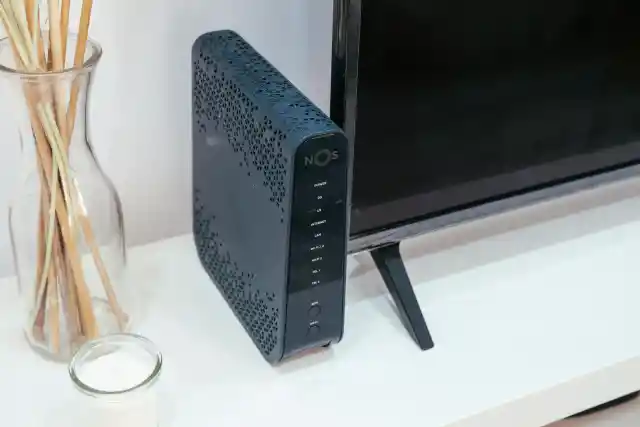
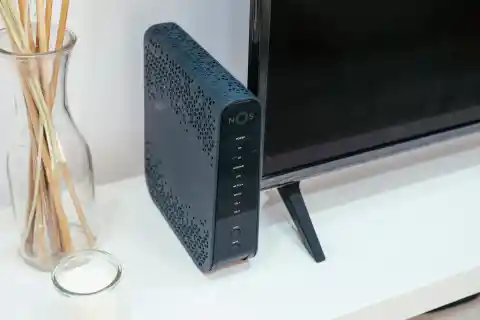
Let’s start with the obvious. If your router is shoved behind the TV or hiding under a desk, it’s not doing its job. That little box is trying to send invisible waves through walls, furniture, and who knows what else. No wonder your upstairs bedroom feels like a Wi-Fi desert. Here’s the fix: simply move it. Put it high up, in a central spot, and away from big objects. Think of it like a speaker. You wouldn’t hide a speaker in a drawer and expect great sound, right? Also, avoid placing it near water, even fish tanks. Water messes with signals. If you can see the router without having to look around, chances are your phone or laptop can too, and that means better connection.
Furniture Is the Silent Killer


Ever notice how your Wi-Fi works great in the kitchen but dies in your room? It might be your furniture. Big stuff like bookshelves, dressers, and metal bed frames can block the signal. It’s like your Wi-Fi is running a maze just to reach you, so take a look around. Is there a giant mirror bouncing the signal away? Is your router hiding behind a wall of boxes? You don’t need to redecorate your whole house. Just think of your Wi-Fi like sunlight. What’s casting shadows, and once you identify that, your problems might end.
Your Devices Are Being Drama Queens


Sometimes, it’s not the Wi-Fi, it’s your phone or laptop acting up. Some devices cling to weak signals and won’t switch to stronger ones. Others randomly disconnect just because they feel like it. Here’s a simple trick to deal with this annoyance. Restart your device and do the same with your router. This is like giving your tech a fresh start. You’d be surprised how often this works. Also, if your device is old, it might not play nice with newer routers. That tablet from 2015 might be the real problem. Sometimes, the dead zone isn’t in your house; it’s in your device.
Your Neighbors Are Stealing Your Airspace


Okay, maybe not literally stealing, but if everyone on your block is using the same Wi-Fi channel, it’s like trying to have a conversation in a crowded room. Too much noise, not enough space. Most routers can switch to a less crowded channel on their own. Just check the settings or use the app that came with it. Sometimes, even turning it off and back on helps it find a better path. This helps you compete with less traffic, get better speed, and fewer random dropouts during your favorite show.
Extenders: The Little Helpers


You’ve moved the router, you’ve cleared the clutter, but that one room still has no signal. Time to bring in backup. Wi-Fi extenders or boosters are small gadgets that plug into the wall and repeat your signal farther into the house. They’re great for those tricky corners where your main router just can’t reach. Don’t put the extender in the dead zone; put it halfway between the router and the problem area. That way, it still gets a strong signal to pass along. Extenders are not magic, but they help. And most of them are super easy to set up. Plug it in, follow a few steps, and boom, you’ve got better Wi-Fi.
Wires Still Work
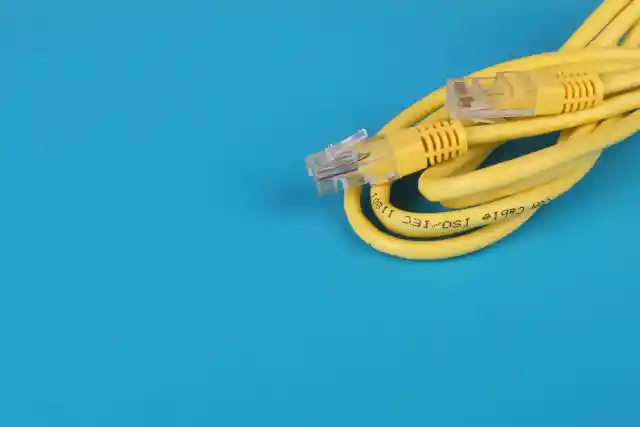

Sometimes, the old ways are the best. If your Wi-Fi keeps dropping, try plugging in. An Ethernet cable gives you a direct line to the internet. No waves, no interference, just a solid connection. Use it for stuff that needs to stay connected, like your work laptop, gaming console, or smart TV. It also frees up Wi-Fi for everything else. Yeah, we know, it’s not pretty, but it works. When your movie doesn’t buffer and your Zoom call doesn’t freeze, you’ll be glad you went old-school.
Your House Might Be the Problem


Some homes just aren’t built for Wi-Fi. They have thick walls, weird layouts, or open spaces can mess with the signal. This is where mesh systems come in. Instead of one router doing all the work, mesh systems use a few smaller hubs placed around your house. These talk to each other and pass the signal along, so you get strong Wi-Fi in every room. Yes, they cost more but they’re easy to set up and make a huge difference. Once your system is running, you can walk from your bedroom to the backyard without losing connection, giving your house a WIFI upgrade.
Too Many Devices, Not Enough Bandwidth


Let’s be honest, we all have too many gadgets fighting for the same Wi-Fi. Phones, tablets, smart speakers, TVs, game consoles, even fridges, all battling it out.. Your router can only handle so much. If everyone’s streaming, gaming, and scrolling at once, something’s gonna give. Here’s what to do: check what’s connected. Most routers have an app that shows you. You might find stuff you forgot about, like an old phone or a smart plug you never use. What you need to do now is kick those off the network and let your Wi-Fi connect more easily.